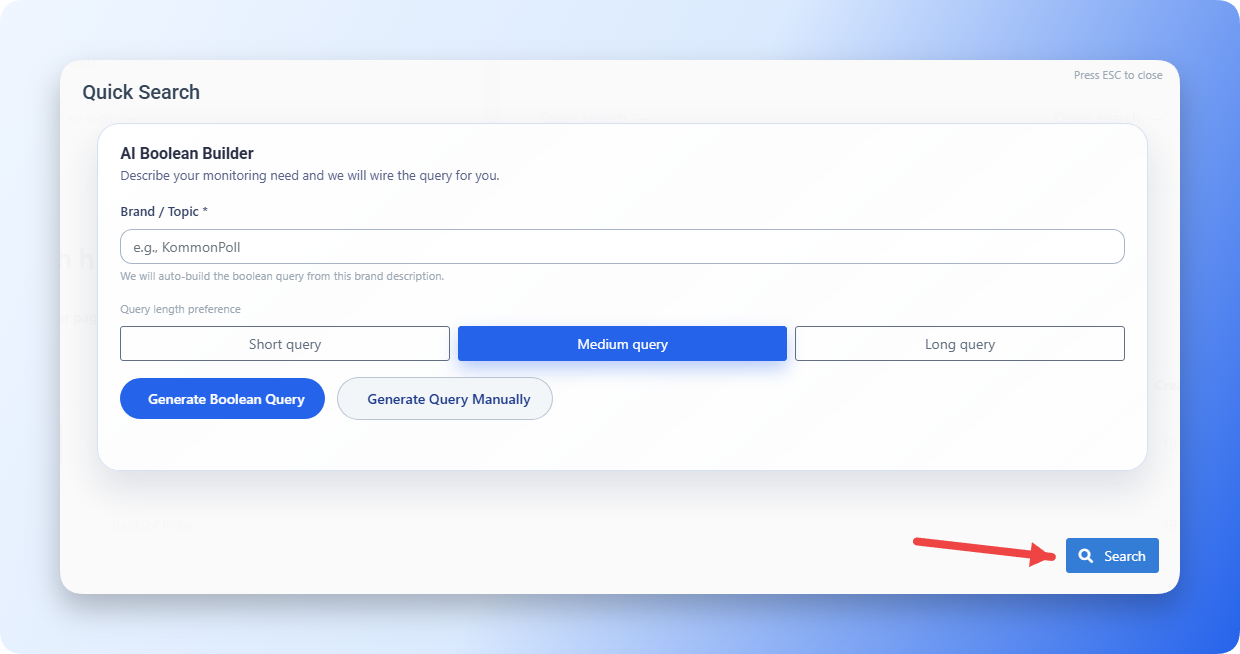
Performing a Quick Search
Test ideas and keywords with a lightweight search before creating a full project.



Test ideas and keywords with a lightweight search before creating a full project.
Use Quick Search to generate Boolean queries instantly — either through AI or manual customization — and move directly into analysis.
1. Start a Quick Search
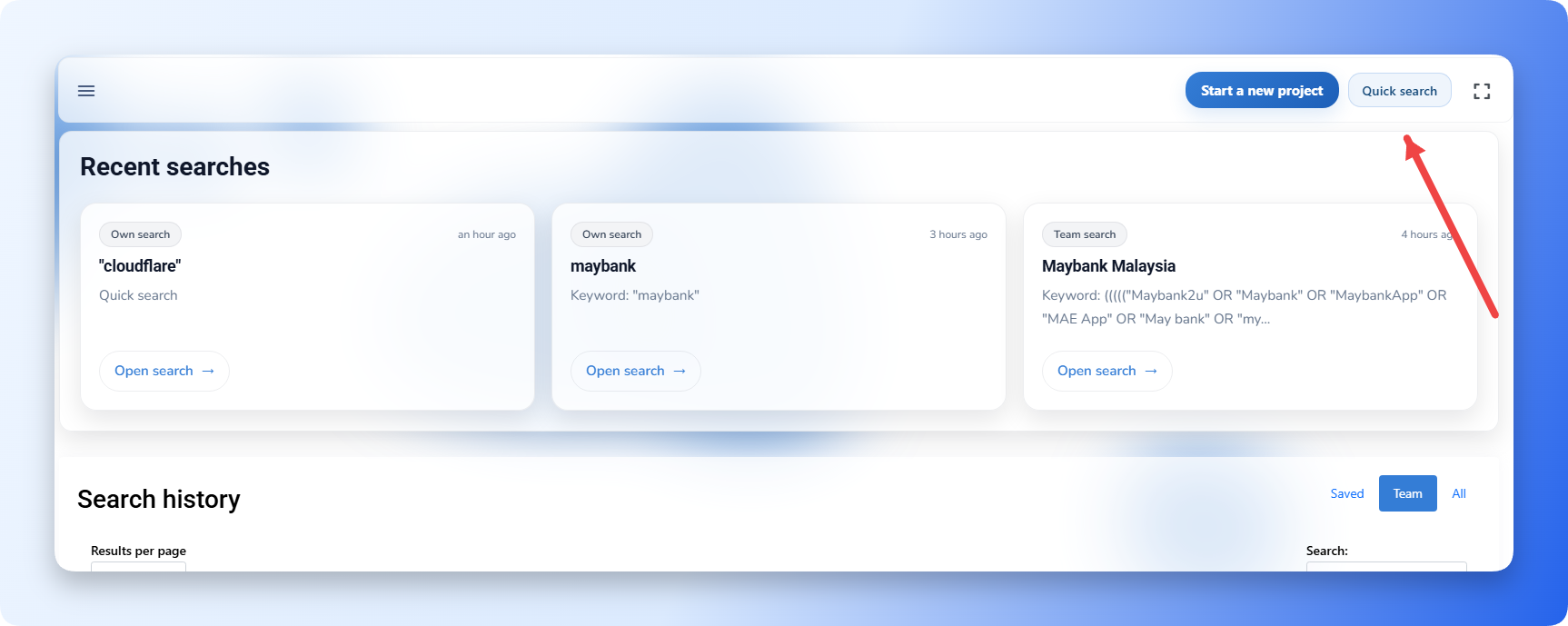
Open the Quick Search section to begin building your monitoring query for any brand, topic, or keyword.
2. AI-Generated Search (Automatic Method)
If you want the system to generate the query for you:
- Type the brand or topic you want to monitor in the input field.
- Select the query length based on your requirement:
- Short Query
- Medium Query
- Long Query
- Kommon Poll will automatically build a complete Boolean query based on your input and selected length.
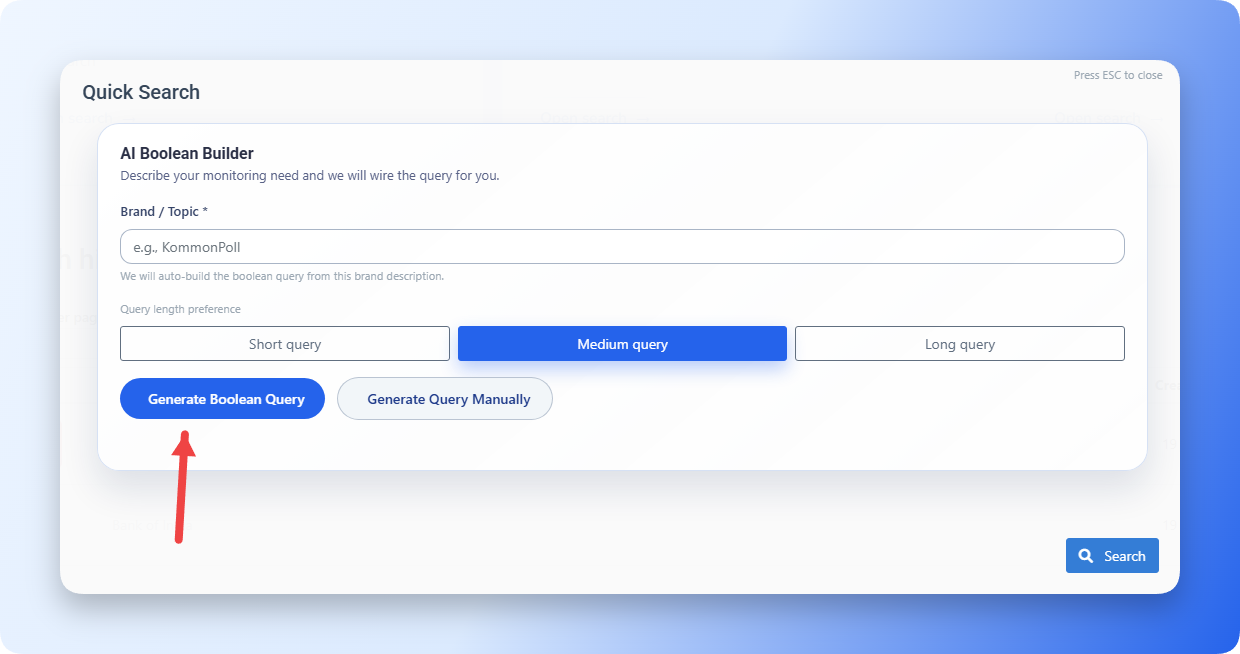
This is the fastest method for users who don’t want to create queries manually.
3. Manual Query Creation (Advanced Method)
If you prefer full control:
- Choose Generate Query Manually.
- Enter your own keywords, variations, and conditions related to your brand or topic.
- You can edit, update, or delete parts of the query structure at any time.
- Apply the final query to run your search.
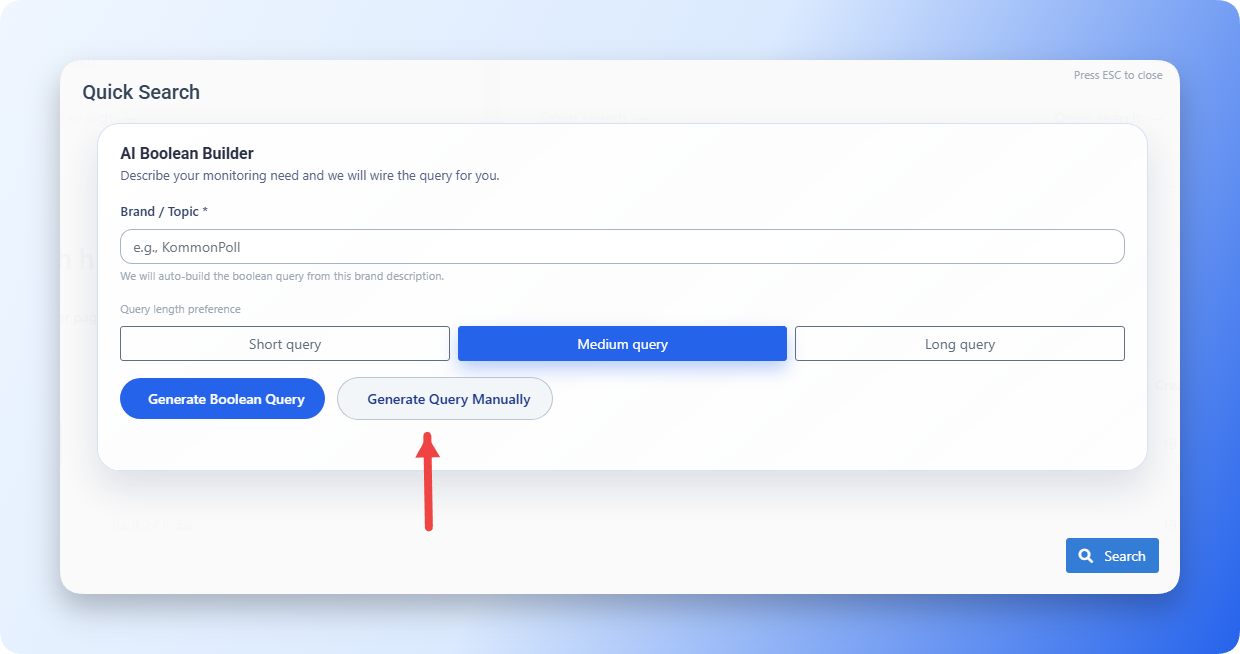
Manual mode is ideal for advanced users who want very precise filtering.
For most searches, start with:
- Quoted phrases for exact names, such as
"Kommon Poll". - OR between brand variations, such as
KommonPoll OR "Kommon Poll". - AND when the brand must appear with a topic, such as
("Kommon Poll" OR KommonPoll) AND reports. - NOT for obvious noise, such as
NOT hiring.
Use platform, country, language, sentiment, and demographic filters instead of putting those constraints into the query text when those filters are available.
If you need field-specific matching, fuzzy typo handling, proximity matching, wildcards, boosting, or regex, see Advanced Query Building.
4. Apply the Query & Run the Search
Once your query (AI-generated or manual) is ready:
- Click Search to run it.
- Kommon Poll will fetch all matching mentions from connected data sources.